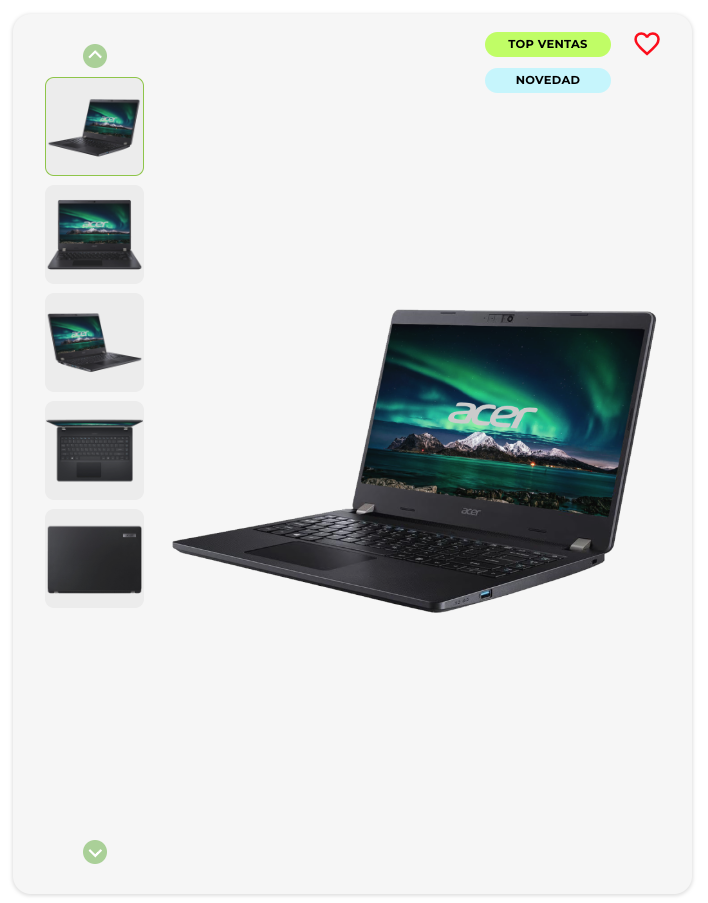
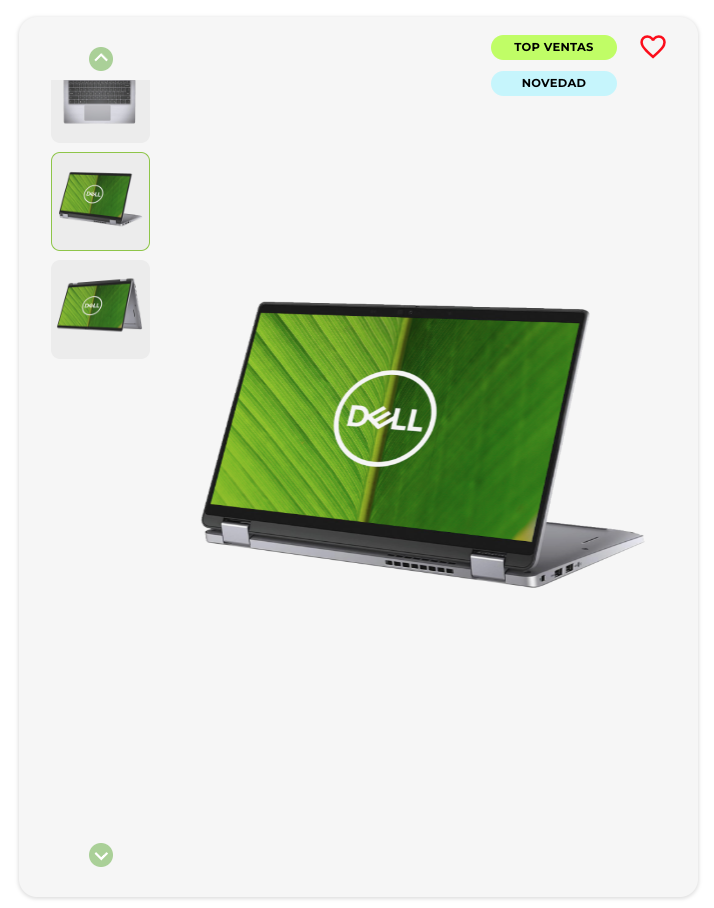
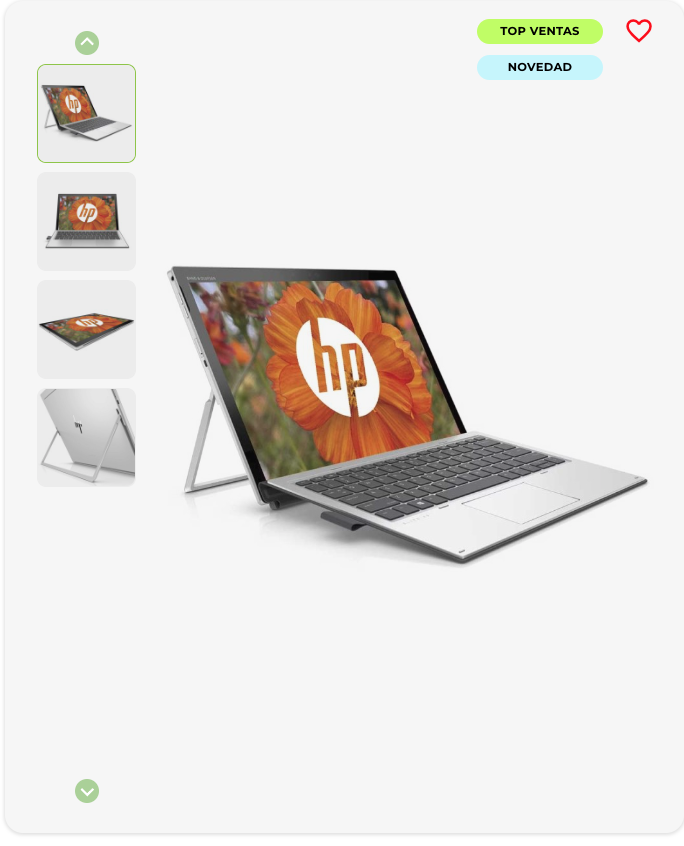
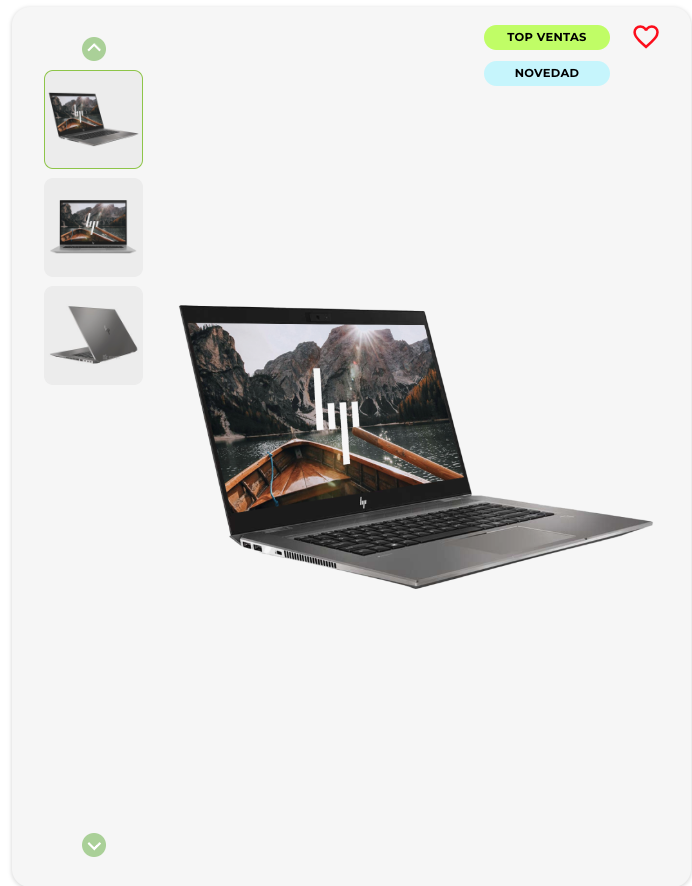
September is just round the corner, and with it comes the same question every year: how can you kit out your student without breaking the bank? The smartest answer has a name: a refurbished laptop. At EcoPC, we’ve been helping families and students start the academic year with the equipment they need — at a price that won’t break the bank. In this guide, we explain what to look for, what to avoid and just how much you can actually save. Find your ideal refurbished laptop for students. If you’d like to take a look at our offers, click here to see the best laptops for students. Why is a Refurbished Laptop the Best Option for Students? A refurbished laptop or PC is not a second-rate device. It is professionally inspected, repaired if necessary, and certified to work exactly like a new one — at up to 50% less. For the back-to-school season, this matters for three specific reasons: The family budget has its limits. September accumulates expenses: books, supplies, clothes, activities. Spending €800 on a new laptop when an equally valid alternative exists for €350–450 is money that could go elsewhere. Academic needs do not require the latest model. Taking notes, making presentations, browsing, and using office software do not demand a latest-generation processor. A 3–4 year old device easily handles these tasks. Students don’t usually handle equipment with care. A laptop that already has some prior use better absorbs the minor wear and tear of daily school life — without feeling like you lost €900 on the first backpack scratch. 💡 The key takeaway: According to comparative performance studies, a 3-year-old refurbished laptop handles everyday academic tasks — office suites, video calls, web browsing — at the exact same speed as a new mid-range model. What Does a Student Really Need from Their Refurbished Laptop? Before discussing models, we need to start by considering what the device will be used for. Not all stages of education have the same requirements. However, all students do need a laptop. Standard academic use (all levels) Here is what any student does every day: Word processing and spreadsheets (Word, Google Docs, Excel) Creating and viewing presentations (PowerPoint, Canva, Google Slides) Browsing the internet and educational platforms (Moodle, Google Classroom) Video calls for online classes or group projects (Teams, Meet, Zoom) Watching videos and multimedia content For all of this, the minimum recommended specifications are: Component Recommended Minimum Optimal for Studying Processor Intel Core i5 (7th gen+) / AMD Ryzen 5 Intel Core i5 (10th gen+) / Ryzen 5 5000 RAM 8 GB 16 GB Storage 256 GB SSD 512 GB SSD Display 13–15.6 inches 14–15.6 inches Full HD Operating System Windows 11 Home Windows 11 Home or Pro ⚠️ Avoid laptops with HDD hard drives. By 2025, a computer with an HDD rather than an SSD will be annoyingly slow, even if the rest of the specifications are good. At EcoPC, all our computers come with SSDs as standard. Advanced use (sixth form, university, technical degrees) Some students need a bit more power for specific subjects: Design and multimedia: Photoshop, Illustrator, basic video editing → minimum 16 GB RAM, dedicated graphics card recommended Engineering and architecture: AutoCAD, MATLAB, simulations → 16 GB RAM, i7 or Ryzen 7 processor, dedicated graphics card Programming: Visual Studio Code, development environments, virtual machines → 16 GB RAM, 512 GB+ SSD Health sciences: anatomy applications, databases → 8–16 GB RAM, good resolution screen Which Refurbished Laptop to Choose Depending on Your Level of Education 🎒 Primary and lower secondary school (ages 6–16) At these stages, laptop usage is basic and supervised. There is no need to spend a lot. What you need: 7th or 8th generation Intel Core i5 processor or AMD equivalent 8 GB RAM — enough for all school work 256 GB SSD Windows 11 in English Good battery life (to bring it to school without a charger) Estimated budget at EcoPC: €200–€320 Most recommended brands: Lenovo ThinkPad, HP ProBook, Dell Latitude — robust machines built for intensive work environments that easily withstand school use. 📚 Sixth Form (aged 16–18) More written coursework, more research, first complex presentations, preparation for university entrance exams. What you need: 10th generation or newer Intel Core i5 / AMD Ryzen 5 8–16 GB RAM 256–512 GB SSD 14–15.6 inch Full HD display 7–8 hours of battery life Estimated budget at EcoPC: €300–€420 🎓 University and higher-level vocational training courses Demands increase. Research papers, degree-specific software, group projects, internships. What you need (minimum): 10th gen or higher Intel Core i5/i7 / AMD Ryzen 5/7 5000 16 GB RAM 512 GB SSD Full HD or higher screen For technical degrees (engineering, architecture, design, computer science): Intel Core i7 or AMD Ryzen 7 16–32 GB RAM Dedicated graphics card (NVIDIA GTX/RTX or AMD equivalent) 512 GB SSD or larger Estimated budget at EcoPC: €400–€600 (standard range) / €500–€750 (technical range) If this applies to you, check out this article! → See the best refurbished laptops for university students. How Much You Save on a Refurbished Laptop Compared to a New One This is the decisive argument. We’re not talking about marginal savings — we’re talking about the fact that, for the price of a new entry-level laptop, you can get a mid-to-high-end machine with better specifications from EcoPC. Profile Equivalent new laptop EcoPC refurbished laptop Savings Middle school / basic use €450–€550 €200–€300 Up to €250 High school / medium use €650–€800 €300–€420 Up to €380 University / standard use €850–€1,000 €380–€550 Up to €500 University / technical degrees €1,200–€1,500 €550–€750 Up to €700 The main point: For €500 at EcoPC, you can get a laptop with a Core i7 processor, 16 GB of RAM and a 512 GB SSD — a machine that would cost over €1,100 brand new. The difference isn’t in the performance; it’s simply that someone has used it before. Checklist: What We Check on All EcoPC Refurbished Laptops Before any laptop reaches you, it undergoes a…